Remake and resume
6 min read
If a video does not make it to the end, your credits come back. In some cases one button remakes it for free.
Step 1
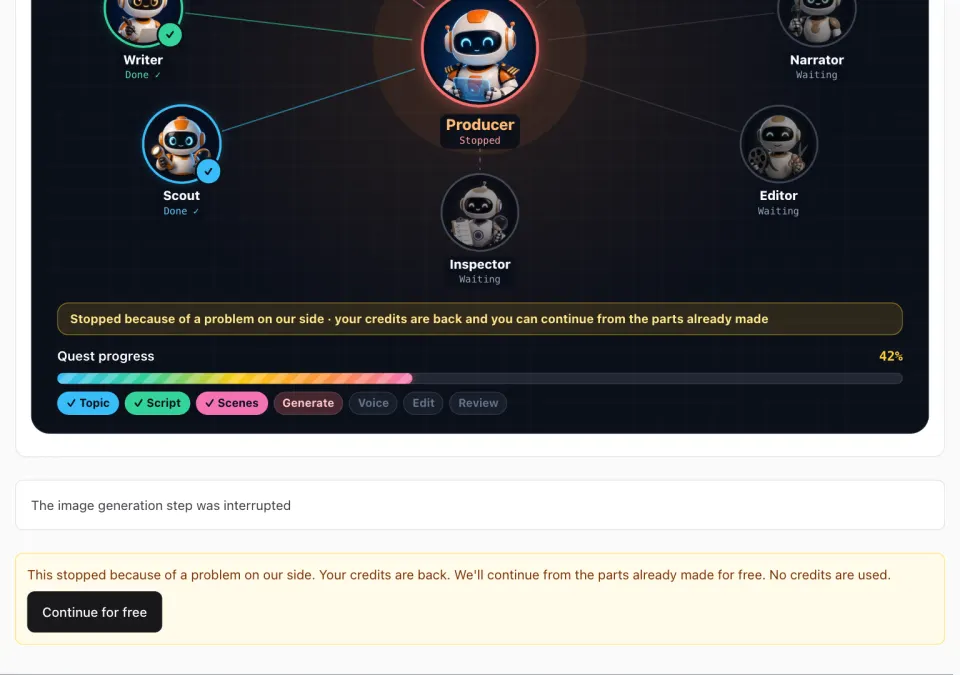
Stopped on our side: continue for free
If it says it stopped because of a problem on our side, your credits are already back. "Continue for free" picks up from the parts already made and uses no credits.
Step 2
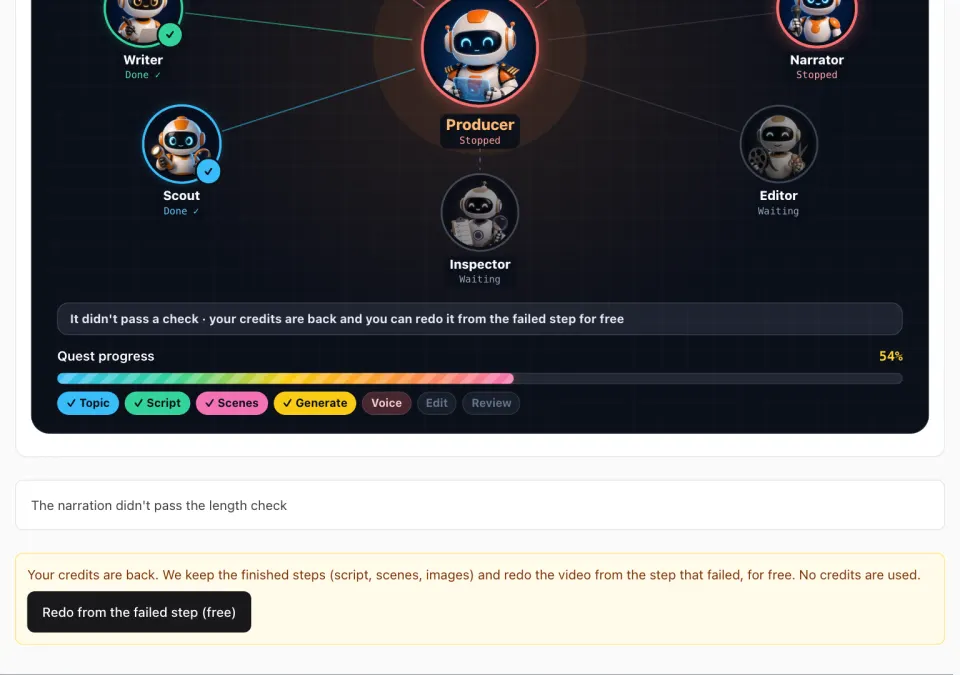
Failed a check: redo from the failed step
If it did not pass a check, press "Redo from the failed step (free)". Finished steps such as the script and scenes are kept; only the failed step runs again.
Step 3
Plan credits expired meanwhile
If your billing period ended while the video was being made and its plan credits expired, you get one free "Remake (free)" instead of a refund.
Step 4
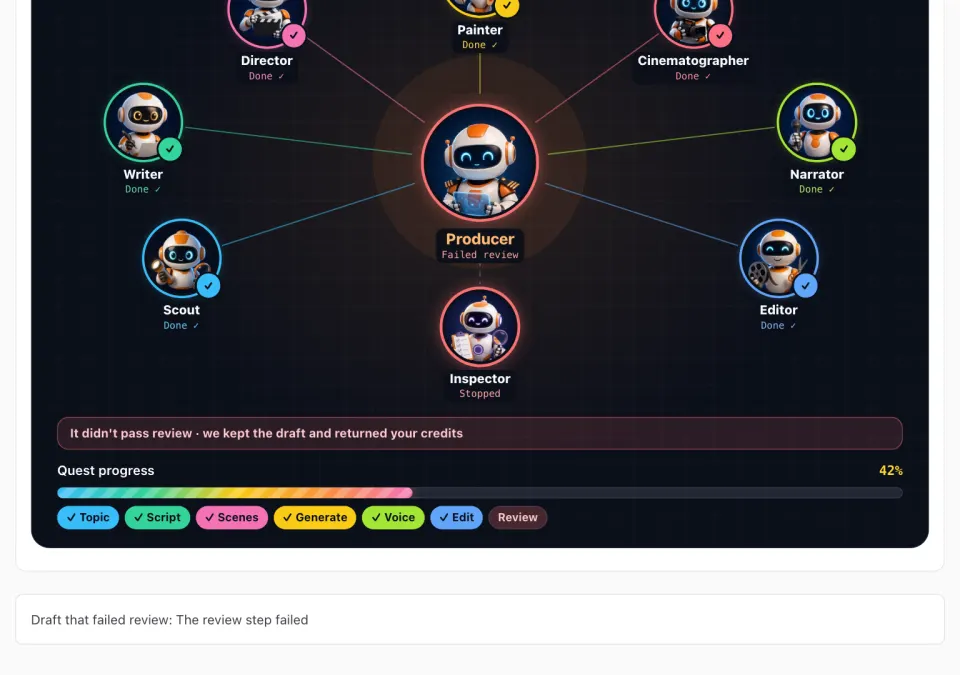
Drafts that failed review
If a video never passes the automatic review, your credits come back and we keep the draft made so far. Open it with "View draft", and check it carefully before posting it as is.
Step 5
Make a different version of a topic
On the create screen, click a topic under recent topics and you are asked whether to make a different version. It keeps the topic but changes the tips, angle and opening, and it will not stop for overlapping your earlier video. It is a new video, so it uses credits.
Step 6
Cancel and refund
A job that is still queued can be canceled with "Cancel and refund". Jobs already in production, and jobs queued after you approved their script, cannot be canceled.
Your next Short is one topic line away
No installs, no API keys: get an MP4 that has already been reviewed.
Verify your email and get 1 free video every month (Economy quality, with a watermark). After that, videos use credits.
New here? Start with the help center