Upload tips: titles, pinned comments and disclosures
6 min read
You have the video; now it is time to post. A few habits keep people watching longer and keep you within the rules.
Step 1
Download and check once
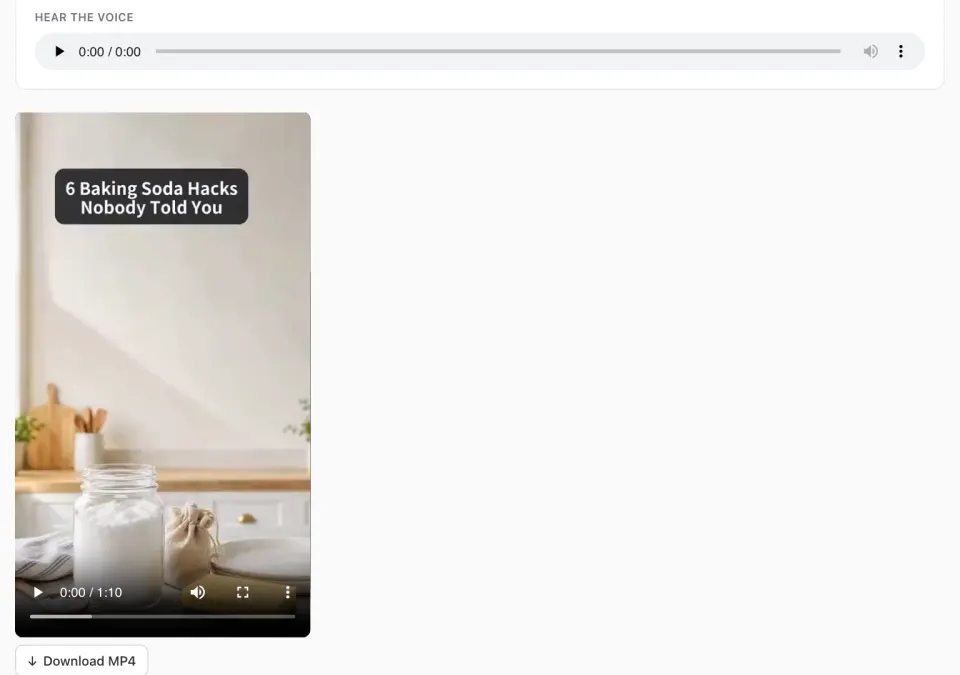
Press "Download MP4" on the job page. AI output can be wrong, so watch it once from start to finish before posting, and check drafts that failed review especially carefully.
Step 2
Shorts titles
Keep titles short and put the key words first so they are not cut off. Use or polish the title shown on the job page.
Opening with a number or a question tells viewers right away what they will get.
Step 3
Description and sources
The first line of the description also shows in search results, so include your key words.
Citing the checked facts and sources from the making-of notes builds trust. A few hashtags that match the topic are enough.
Step 4
Pinned comment
A question in the pinned comment invites replies. Answering comments in the first hour keeps the conversation going, and viewers' questions make good next topics.
Step 5
Affiliate disclosures
With affiliate links, a disclosure is required, for example "As an Amazon Associate I earn from qualifying purchases." Put it in both the description and the pinned comment.
On YouTube, also check whether your video needs the "includes paid promotion" label.
Step 6
Label AI-generated content
Scenes and voices are made with AI. YouTube, TikTok and others ask creators to label realistic AI content, so check and follow each platform's rules when you post.
Step 7
Thumbnails and other platforms
In the YouTube mobile app you can pick the frame used as your Short's thumbnail. For TikTok and Reels, post the original MP4 without watermarks. Adding music you do not have permission for can block monetization.
Your next Short is one topic line away
No installs, no API keys: get an MP4 that has already been reviewed.
Verify your email and get 1 free video every month (Economy quality, with a watermark). After that, videos use credits.
New here? Start with the help center